How to Download V Blink on Android (Safe APK Install Guide)
Jeffrey Danielson

Content table
V Blink is one of over 30 social gaming platforms on VegasGems that provides access to more than 90 fish tables and slot games. Players access the platform directly through a secure APK install path on Android. While the app is not available on Google Play, the source matters.
This guide covers safety steps on installing the app on your Android device, device compatibility, how to download and install, and possible error fixes.
Safety Checklist Before You Download
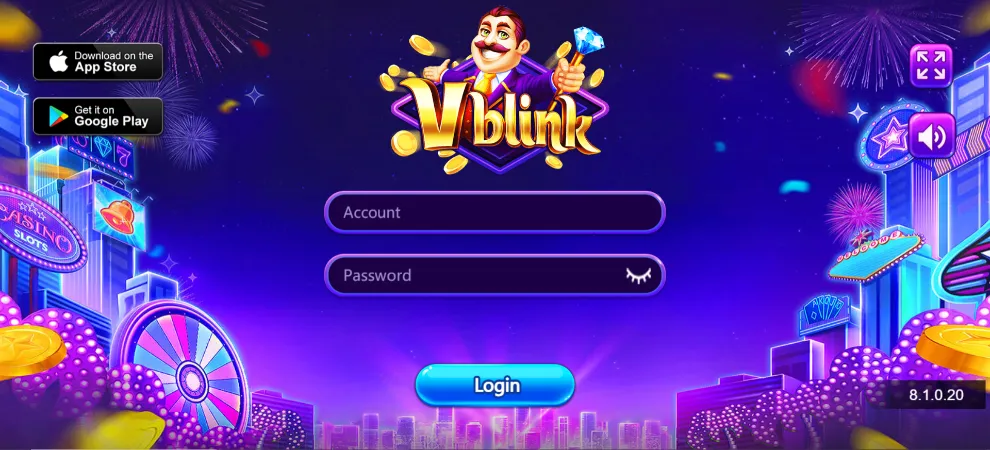
VegasGems is your verified way for a V Blink login. While you can search for V Blink APK online, it all comes down to safety. Players should avoid random mirror sites promising modded or no-verification APKs, and get their account credentials through VegasGems.
When downloading the APK, you should ensure it only comes after successful registration and a deposit on VegasGems. You will need to enable installation from unknown sources on Android before installation. Make sure you do this before the app is downloaded, or otherwise you won’t be able to install it.
As long as you obtain your credentials via VegasGems, you can proceed to the VBlink website and download your APK safely.
Step-by-Step Android Install
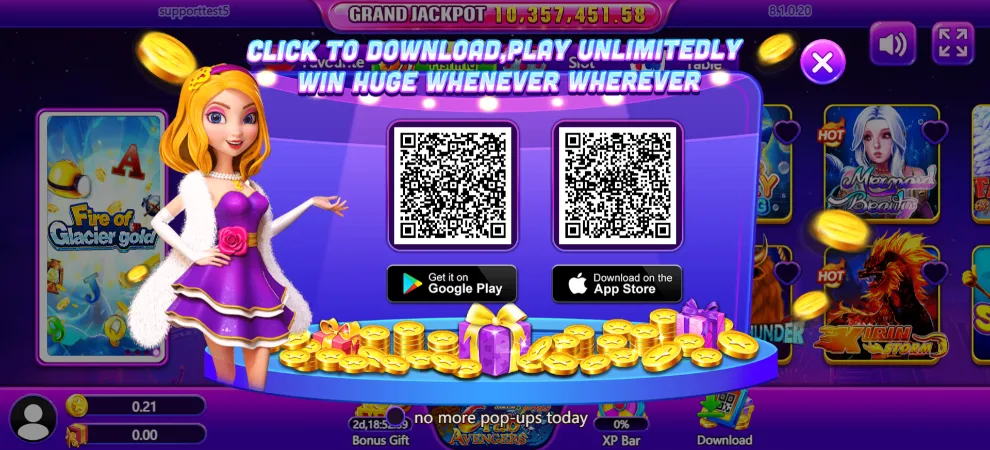
In order to download and install the Android V Blink app, you can follow these instructions.
- Enable downloads from unknown sources: Go to your device’s settings and enable this toggle. It’s under Settings > Apps > Special Access.
- Download the app: Download the app via VegasGems’s platform link/credentials email
- Install: Tap the file after the download is completed.
- Log in at V Blink: Use your username and password after you’ve made a VegasGems deposit to obtain your credentials, then copy-paste them to enter the platform.
System Requirements and Supported Devices
Since the entry point for V Blink is an APK, it won’t update via the Google Play Store. Players can go back to the VegasGems page and fetch the latest update rather than trusting third-party website pop-ups.
The app works on Android 7.0 and up, covering both older and newer devices. Make sure to check the storage space requirements and other important conditions before installing the V Blink apps on your device.
Final tip: It’s best to download the app on Wi-Fi. It’s not a large size, but downloading on your mobile phone data may incur extra charges depending on your plan.
Updating the App to the Latest Version
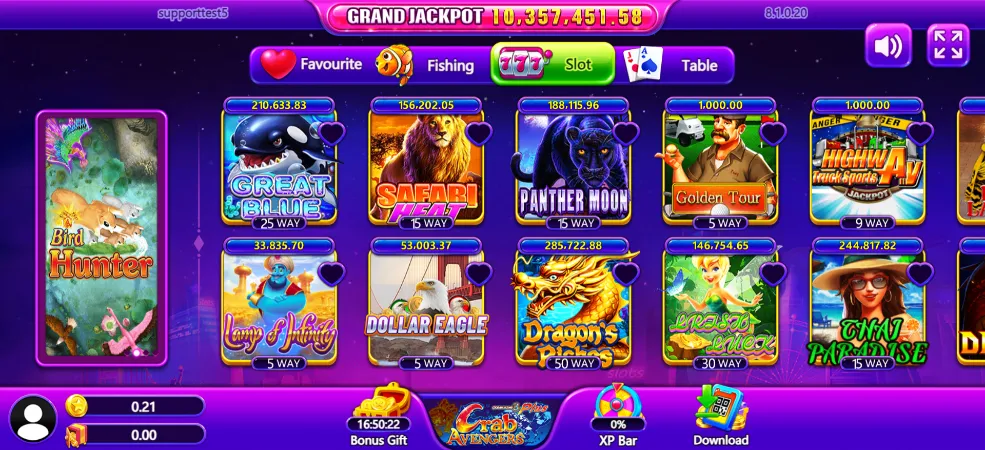
Your VBlink app is a sideload job, which means you won’t get automatic, official updates through the Play Store. You can fetch the latest version via VegasGems, where you’ll receive updates so you can sideload the APK promptly.
By downloading and installing the latest version, you will receive the latest patches and quick fixes for common issues. It’s best to rely on VegasGems for this instead of trusting third-party, unverified sites.
As for the installation process, find the latest V Blink app on VegasGems, then download and install it as you did before.
Troubleshooting Common Install Problems
When downloading the V Blink app, you may run into problems. Some may be on your side; others may be on the server side. If you are looking for a V Blink app not installing fix, check these common server and device issues.
- App not installed: Clear your storage cache if you don’t have enough space. Deleting older conflicting versions may also help.
- Parse errors: Usually occur due to corrupted downloads. Re-download the APK and try to install it again.
- Blocked by Play Protect: Because the app isn’t hosted on the Play Store, Play Protect may automatically flag it as an unrecognized file. To bypass this, tap More Details on the warning prompt, and choose install anyway to proceed with your VegasGems app download.
What Can You Play on VBlink?
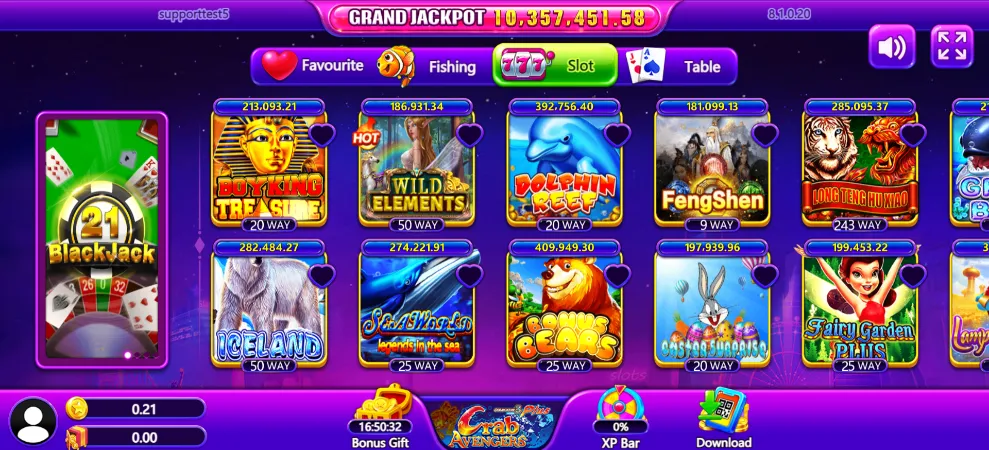
V Blink offers a strong collection of fish games and slots. Fish shooting games include Tri-Spirit Sea Guardian, Halidao Plus, Vivid Aqua Carnival, and Ocean King Frost & Flame.
For slot fans, you get a generous number of classic and modern titles, including Buffalo 777, Dragon’s Fortune, and Road to Glory among others.
FAQ
Is the V Blink APK safe to download?
Yes, the V Blink app is safe to download as long as you source it from VegasGems. Create an account on VegasGems, make a deposit to V Blink, and you’ll receive your account credentials, along with a link for the platform where you can download the app from.
Is V Blink legit?
V Blink is a legit social gaming platform, but it’s not a state-licensed casino. This much should be clear, as social gaming sites differ from licensed online casinos. State availability varies, and it’s best to check your local laws before signing up.
Does it work on iPhone?
Currently, there’s no VBlink app for iPhone. It’s an Android app only, available by sideloading the app. As soon as an iOS workaround is available, we’ll link our dedicated iPhone guide here.
How do I add credits?
To load funds to your V Blink account, you will need to go through VegasGems. Click on the deposit page, choose the VBlink platform, enter the desired amount (minimum of $5), and you will top up your V Blink account in no time.
Categories