Ultra Panda Download for Android: Safe APK Install Guide
Jeffrey Danielson

Content table
- Before You Download: Safety Checklist
- How to Download Ultra Panda on Android
- System Requirements for Android Devices
- Step-by-Step: Installing Ultra Panda
- How to Update Ultra Panda
- Common Download & Install Errors
- Ultra Panda Mobi: The Browser Alternative
- What You Can Play on Ultra Panda
- Responsible Gaming
- Frequently Asked Questions
Ultra Panda doesn't hand you a download link right away. First, you need to sign up at VegasGems and make a deposit. After that, VegasGems will email you the file and your login details. This guide explains the entire Ultra Panda download process, how to install it, and what to do if you run into any problems.
Before You Download: Safety Checklist
Use these checks for Ultra Panda download and for any APK you get from outside the Play Store.
Verify File Authenticity Before Installing
Check that the file size listed on the download page matches the file size in your Downloads folder. If they differ, the file might be incomplete or altered. Install the file only if they match.
Protect Your Device and Data
Scan the APK with antivirus software before opening it. The Ultra Panda app doesn't need access to the camera, microphone, or contacts. If a version asks for these permissions, consider it suspicious.
Recognize Fake or Malicious Versions
A fake APK often has certain warning signs. These include requesting permissions not listed above, having a much smaller file size than the official version, or appearing in a pop-up ad.
This question - “Is the Ultra Panda APK safe to download” is asked often. The short answer is yes, as long as it comes through your VegasGems email link and passes these checks. It's a different question from “is Ultra Panda legit” as a platform overall, but if you're new here, it is a good idea to look into that as well.
How to Download Ultra Panda on Android
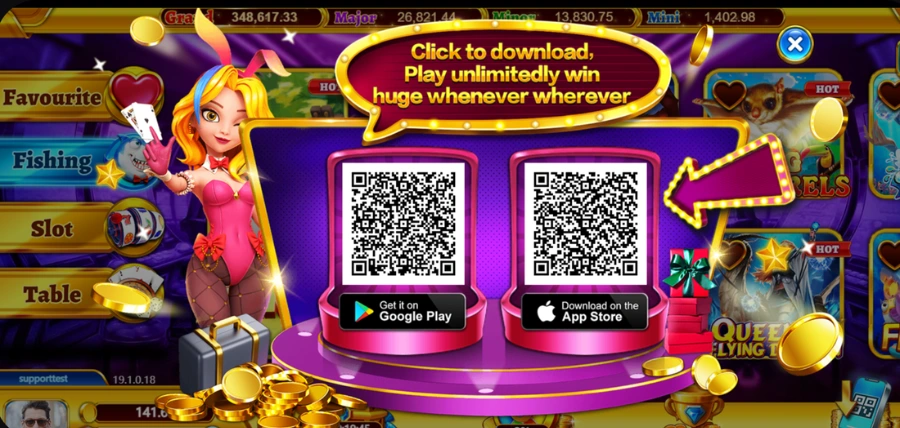
Here's how to officially download Ultra Panda on Android. Because the platform isn't listed on the Google Play Store, the only recommended route is through your VegasGems account rather than searching for the file separately.
- Sign up on VegasGems. If you don't have an account yet, it takes a couple of minutes to create one.
- Go to the deposit section. Once your account is set up, head to the deposit area of the platform.
- Pick Ultra Panda as your platform. Select it from the available options during the deposit flow.
- Make a deposit to activate access to Ultra Panda.
- Check your email. VegasGems sends the verified APK link and your login credentials to your registered email address.
Only use the link sent to your email. Files from other sites, forums, or shared links might be altered or out of date, even if they claim to be current.
System Requirements for Android Devices
Before downloading, confirm your device meets these minimums for a smooth Ultra Panda download:
- Android version 5.0 or higher
- At least 250MB of free storage space
- A stable internet connection for the initial download
Step-by-Step: Installing Ultra Panda
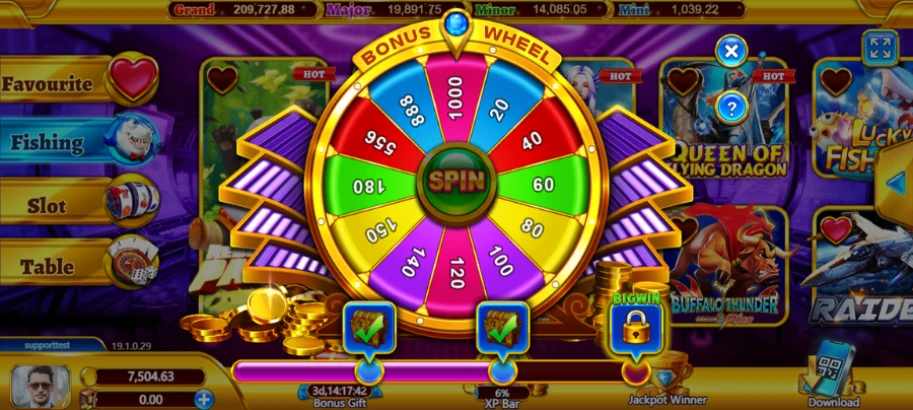
Installing the app usually takes about five minutes. Unlike Play Store installs, Android requires you to grant permissions before it will accept files from outside sources.
Enabling Unknown Sources on Your Android Device
Android blocks third-party APK files by default, so you need to allow them first. Open Settings, then go to Security or Privacy. Find "Install Unknown Apps" or "Unknown Sources" and turn it on for your downloaded app.
This step takes less than 30 seconds. You can turn the setting off again after you finish installing if you prefer.
Installing the Ultra Panda APK File
Go to your Downloads folder and find the APK file. Tap it, then tap Install when asked for permission. Wait for the progress bar to finish, then tap Done or Open.
If the install button stays greyed out, go back and confirm Unknown Sources is enabled for the right app.
First Launch and Account Setup
On first launch, the app may ask for storage and network permissions. Accept these so that the platform can function correctly.
If you haven't already, create an account to play before your first login. Once you're set up, you can deposit to play and unlock full access to Ultra Panda.
How to Update Ultra Panda
Apps installed manually do not update automatically through Google Play. Installing the latest version of Ultra Panda APK means checking manually rather than waiting for a notification. Open the app, tap the menu icon, and select About or Settings to see your installed version number. Compare it to what's listed when you log in to VegasGems.
When a new version is available, download it and install it over your current app. Android will keep your login and saved settings. Older files might still work, but they will not have the latest security updates, so it is better to stay up to date.
Common Download & Install Errors

Most Ultra Panda app not installing fix situations trace back to one of a few common causes. Match your issue to the section below.
"App Not Installed" Error
This usually has one of three causes. A corrupted download: delete the APK and re-download, checking that the file size matches the listing.
Insufficient storage: clear space until you have at least 250MB free, then retry. A conflicting install: uninstall any existing version first, then try again.
Download Keeps Failing or Timing Out
Switch from mobile data to Wi-Fi, clear your browser cache, and retry. If it still fails, try a different browser.
App Crashes on Launch
Clear the app cache by going to Settings > Apps > Ultra Panda > Clear Cache. After that, reinstall the app.
"Parse Error" When Installing
A parse error means Android cannot read the file. Delete it, download it again using a stable connection, and check the file size before trying to install it again.
Ultra Panda Mobi: The Browser Alternative
If you do not want to install anything, you can use Ultra Panda Mobi, the browser version of the platform. It has the same game library. Just open the web link from your VegasGems email, log in with your credentials, and the game lobby will load in your mobile browser.
With this method, nothing is installed on your device, there are no updates to manage, and you do not need to change any settings. The only downside is that it relies more on your internet connection, since everything loads from the server instead of running on your device.
If your device is older or low on storage, the mobi version is easier to use. If you prefer a slightly faster experience and do not mind spending five minutes on setup, the APK is a good choice. Both options give you access to the same games; the only difference is how you play them.
What You Can Play on Ultra Panda
Ultra Panda's library runs mostly on fish games and slot-style titles, with the same catalog available whether you're on the app or mobile. For the full platform overview, head back to the Ultra Panda casino page.
You can check for Ultra Panda bonuses after installing the app to see what's available before your first session.
Responsible Gaming
Ultra Panda is meant for entertainment, not for making money. Set a personal limit before you play and stick to it regardless of how a session goes.
If gaming is affecting your finances, mood, or daily routine, support is available through qualified professionals and recognized help organizations. You must be 21 or older to play. The availability of these platforms varies by state, so verify your jurisdiction's rules before you sign up. This content is not legal advice. Check VegasGems' responsible gaming policy for more on this.
The availability of these platforms varies by state, so verify your jurisdiction's rules before you sign up. This content is not legal advice.
Frequently Asked Questions
How do I download Ultra Panda on Android?
An Ultra Panda download starts with signing up on VegasGems, going to the deposit section, selecting Ultra Panda, and making a deposit. Once that's confirmed, you'll get your download link and login credentials by email.
Is the Ultra Panda APK safe to install?
Yes, as long as you download it through the link sent to your email after your VegasGems deposit. Avoid third-party sites or shared links, verify the file size, and scan the file before opening it.
Why does it say "app not installed" after downloading?
The most common causes are a corrupted download, insufficient storage, or a conflicting older version already on your device. Start with a fresh re-download from your VegasGems email if the file looks corrupted.
How do I update Ultra Panda on Android?
Since the app doesn't update through the Play Store, download the current version from your VegasGems account when a new release is available, then install it over your existing app. Your login and saved data carry through automatically.
Can I play Ultra Panda without downloading anything?
Yes. The mobi web version gives you the full game library directly in your browser. Open the web link from your VegasGems email and log in with your credentials to start playing.
Why won't the Ultra Panda APK install on my device?
A few things usually cause this. Unknown Sources isn't enabled in your Settings, under Security, which is the most common cause by far. Your device might not have enough free storage. Or your device is running an Android version older than 5.0, which the app doesn't support.
Will I lose my progress if I uninstall and reinstall Ultra Panda?
Progress is tied to your VegasGems account rather than the device, so logging back in after a reinstall should restore it. Check for a backup option first if you're not sure.
Categories