Milky Way 777 Download for Android: Safe APK Install Guide
Jeffrey Danielson

Content table
- Official Milky Way 777 Download Options for Android
- Step-by-Step: How to Download Milky Way Game for Android
- Android Security Checklist Before Installing APKs
- How to Update Milky Way 777 to the Latest Version
- Troubleshooting Common Milky Way 777 Install Errors
- System Requirements & Supported Devices
- Milky Way 777 Download Alternatives: What Are Your Options?
- Is Milky Way 777 Safe to Download on Android in 2026?
- Responsible Gaming
- Frequently Asked Questions
Milky Way updates about once a month, so this isn't a one-time install and done. And before any of that, you have to change a setting on your phone, or the install won’t work. This guide walks through the full Milky Way game download for Android, the update cycle that follows, and what to do when something breaks along the way.
Official Milky Way 777 Download Options for Android
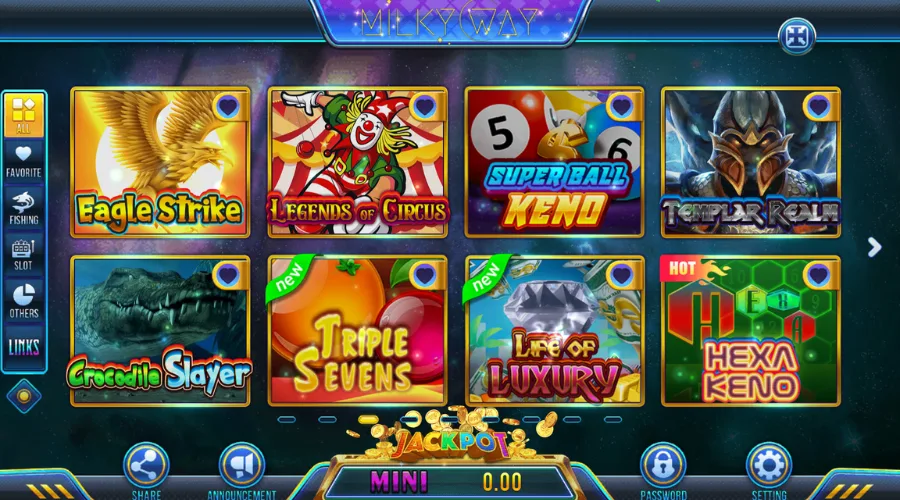
Make sure you get the file from a trusted source before you do anything else. This is the most important part for a Milky Way game download for Android. The Milky Way 777 page on VegasGems is the official source, and it lists the latest APK and version details. Check that the website address starts with HTTPS and matches the official link exactly. Even one wrong letter can lead you to a fake site.
Third-party APK sites often have old or changed files, and they can’t check if the file is safe like the official site can. If you find a download link on a forum, social media, or from a random website, don’t trust it unless you can confirm it leads back to VegasGems.
Step-by-Step: How to Download Milky Way Game for Android
Here's how to download Milky Way on Android, step by step. You’ll need to change one setting first, then you can install the app.
Enable Unknown Sources
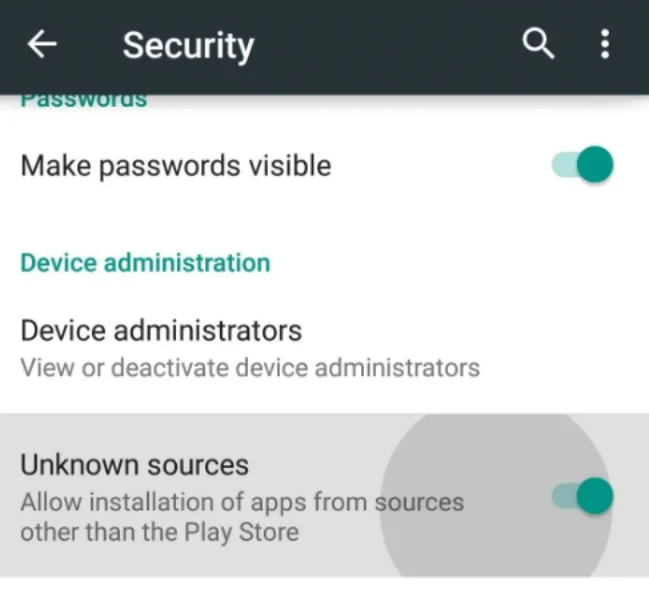
If you have Android 7.0 or older, go to Settings, then Security, and turn on Unknown Sources. For Android 8.0 and newer, go to Settings, then Privacy, then Install Unknown Apps, and give your browser permission. This only allows that one browser to install apps, not your whole device.
Downloading the APK File
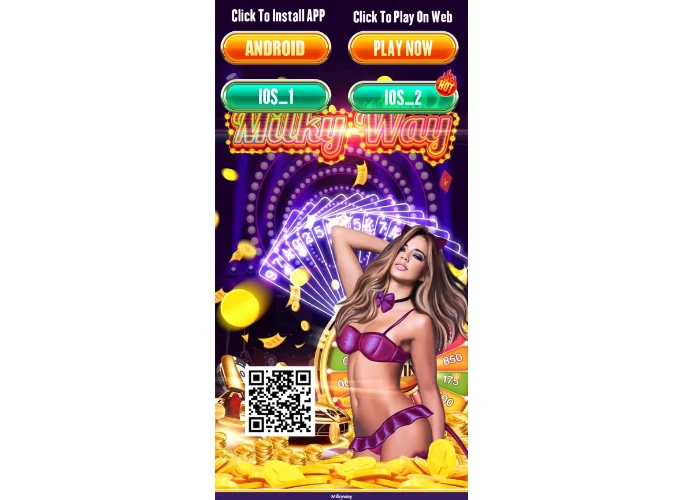
Go to the official download page and tap the Milky Way 777 APK link. The file will save in your Downloads folder. Wait until the download is complete before you open it, because a partial file won’t install.
Installing Milky Way 777 APK
Open your file manager and tap the APK file. Android will show you a prompt with the app’s name, version, and the permissions it needs. Check the details, then tap Install. The process usually takes less than a minute.
First Launch Setup
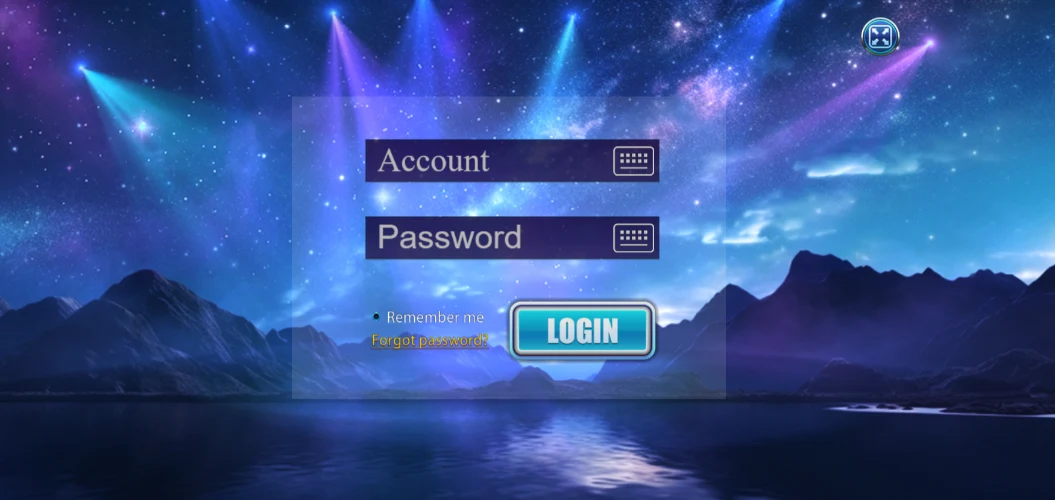
Once the app is installed, open it. Only allow permissions that the app needs to work, like storage or notifications. If it asks for access to your contacts, call logs, or device admin, say no and contact your account manager. If you don't have a VegasGems account yet, create an account to play before you log in.
Once you're in, you can deposit to play and unlock the games.
Android Security Checklist Before Installing APKs
When you sideload an app, it doesn’t go through the Play Store’s review process. That’s why these safety checks are even more important than with a regular app install.
Verify Download Source Authenticity
Make sure the page uses HTTPS and the website address matches the official source. If you found the link in a search, double-check the full URL before clicking. Official sites don’t use ad networks or short links.
Check File Size and Version Number
The current version should be between 80 and 120MB. If the file is much smaller, it might be incomplete or changed. Check that the version number matches what’s on the official site.
Review App Permissions Before Installing
Internet and storage permissions are normal for this app. If it asks for SMS, call management, or device admin rights, you should decline those.
Use Mobile Security Software
You can use a mobile security app to scan the APK before installing it. This step is optional, but it’s a good idea if you’re using a shared device or sideloading for the first time.
That's the short answer to the “is the Milky Way APK safe to download” question: yes, as long as it comes from VegasGems and passes these checks.
How to Update Milky Way 777 to the Latest Version
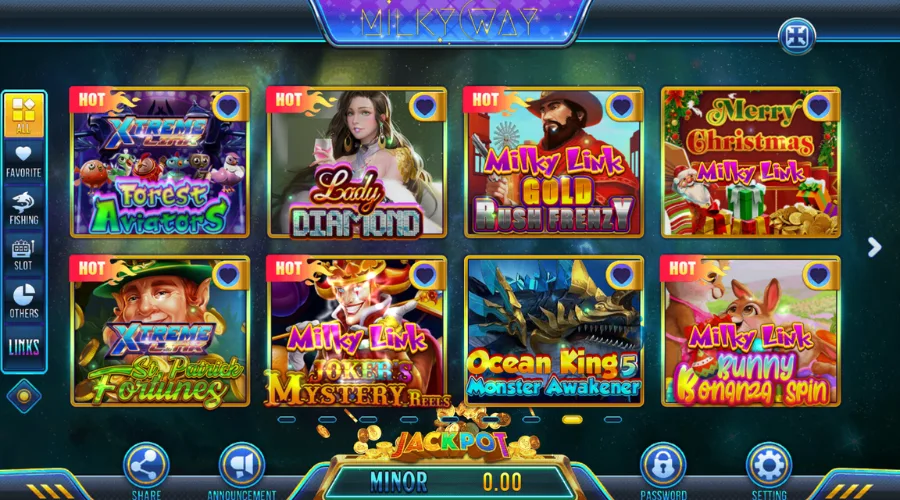
A Milky Way APK latest version install doesn't happen automatically, since there's no Play Store checking for updates in the background. It’s important to keep your app up to date, since new versions often fix problems from earlier ones.
Checking Your Current Version
Open the app and check Settings > About, or the version label in the main menu. Compare that number against the official download page. A mismatch means an update is ready.
Manual Update Process
Download the new APK from the official site and install it over your current version. You don’t need to uninstall first - your account data will stay. If you have problems after updating, try uninstalling the old version before reinstalling.
Update Notifications
Some devices will show you an update prompt in the app. If yours doesn’t, visit the official download page about once a month, since that’s how often updates come out.
Troubleshooting Common Milky Way 777 Install Errors
Most Milky Way app not installing fix situations trace back to one of four things below. Check each one before assuming the device itself is the problem.
"App Not Installed" Error
This error usually means the file is damaged or there’s a conflict with an older version. Delete the APK, clear your browser’s cache, and download it again. If it still doesn’t work, uninstall the current version first.
"Package Appears to be Corrupt" Error
This error means the download was interrupted, usually because of a lost connection or not enough storage. Make sure you have at least 200MB free, use a stable Wi-Fi connection, and try downloading again.
Insufficient Storage Space
You need about 150 to 200MB free for the APK, install data, and cache. Clear unused apps or move media files to free that up before trying again.
Installation Blocked by Play Protect
Play Protect may warn you about sideloaded APKs, even if they’re safe. If you know the file is official, you can tap Install Anyway. If you’re unsure, don’t ignore the warning - download a new copy from VegasGems.
System Requirements & Supported Devices
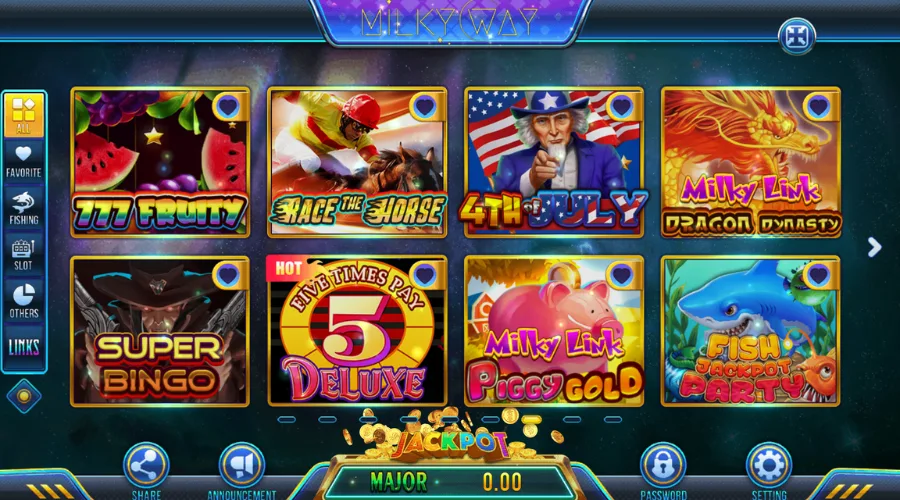
Milky Way needs Android 6.0 (Marshmallow) or later, checked under Settings > About Phone > Android Version. These are the baseline specs for a Milky Way game download for Android to install cleanly, not just recommendations.
Plan for 150 to 200MB of free storage, covering the APK itself, install data, and initial cache. Use a stable Wi-Fi connection when downloading. Often losing connection is the main reason files get corrupted.
What You Can Play on Milky Way
Milky Way mostly offers fish games, reels, and keno, and some games have community prize pools. To see all the games and features, visit the Milky Way casino page.
You can check for Milky Way bonuses after installing the app, so you know what's available before you start playing.
Milky Way 777 Download Alternatives: What Are Your Options?
The APK installation route is the primary method for Android, but it's not the only path to the platform.
Play Milky Way 777 Online
A browser-based version may be available depending on your operator setup, with no download required. For a broader look at the Milky Way casino experience online, that guide covers it in full.
iOS Version for iPhone Users
iOS installation works differently than the Android APK method, covered in a separate guide.
PC/Desktop Options
Desktop access works through a PC-compatible build or a browser interface, worth it if the mobile screen feels too small for longer sessions.
Is Milky Way 777 Safe to Download on Android in 2026?
Whether the Milky Way 777 APK is safe to use comes down mostly to the source. A file from a verified operator channel is built to standard application security parameters.
Licensing and Regulatory Status
Social casino platforms operate under promotional models where permitted, and availability varies by state or country. This content is not legal advice, and it's worth verifying your own jurisdiction's rules independently.
The safe social casino guide covers how the model works in plain terms. That's about whether the file itself is safe. It's a different question from “is Milky Way legit” as a platform overall, worth its own look if you're new here.
Data Protection Practices
The app requests only the permissions it needs. Account data moves over encrypted connections.
User Reviews and Reputation
Users generally report stable performance when the app comes from a verified source. Most complaints trace back to third-party APK sites instead.
Responsible Gaming
Social casino gaming involves risk, and participation should stay within your personal limits. Milky Way 777 is for entertainment, not a way to guarantee any outcome.
If gaming is causing financial or personal concern for you or someone close to you, support is available through qualified professionals and recognized help organizations. Reaching out is always the right step. You must be 21 or older to play.
Frequently Asked Questions
How do I download Milky Way 777 on Android?
Go to the official platform page, enable Unknown Sources in your Android settings, download the APK, and tap to install. The full Milky Way game download for Android process usually takes two to three minutes.
Is the Milky Way 777 APK safe to download?
Yes, as long as it comes from the official VegasGems channel. Verify the file size, check the requested permissions, and avoid third-party APK sites.
Why is my Android device blocking the Milky Way 777 installation?
Android blocks unknown sources by default. Go to Settings > Security > Unknown Sources, or Settings > Privacy > Install Unknown Apps on newer versions, and enable it for your browser.
How do I update Milky Way 777 to the latest version on Android?
Download the current APK from the official source and install it over your existing version. Your account data carries over automatically.
Does Milky Way work on iPhone?
Not through this install method. iOS uses a separate process, covered in its own guide.
Is there a difference between the Android APK and other platform versions?
The Android build is made for touchscreen controls, but core functionality matches the desktop and iOS versions. Push notifications are Android-specific.
Categories